What to put in your link in bio: a simple checklist
By Tayyab, founder of biolio2 min read
A good link-in-bio page shows who you are, the one thing you want people to do now, and a short set of next steps, all readable on a phone in a few seconds. Here's what to put on it, in roughly the order visitors look.
Key Takeaways
- Lead with your photo, your name and one line on what you do.
- Put the thing you're promoting this week at the top, and products in their own section with prices.
- Add a way to book or contact you and an email signup; leave out old and duplicate links.
- Check your clicks weekly and move what gets tapped to the top.
The checklist
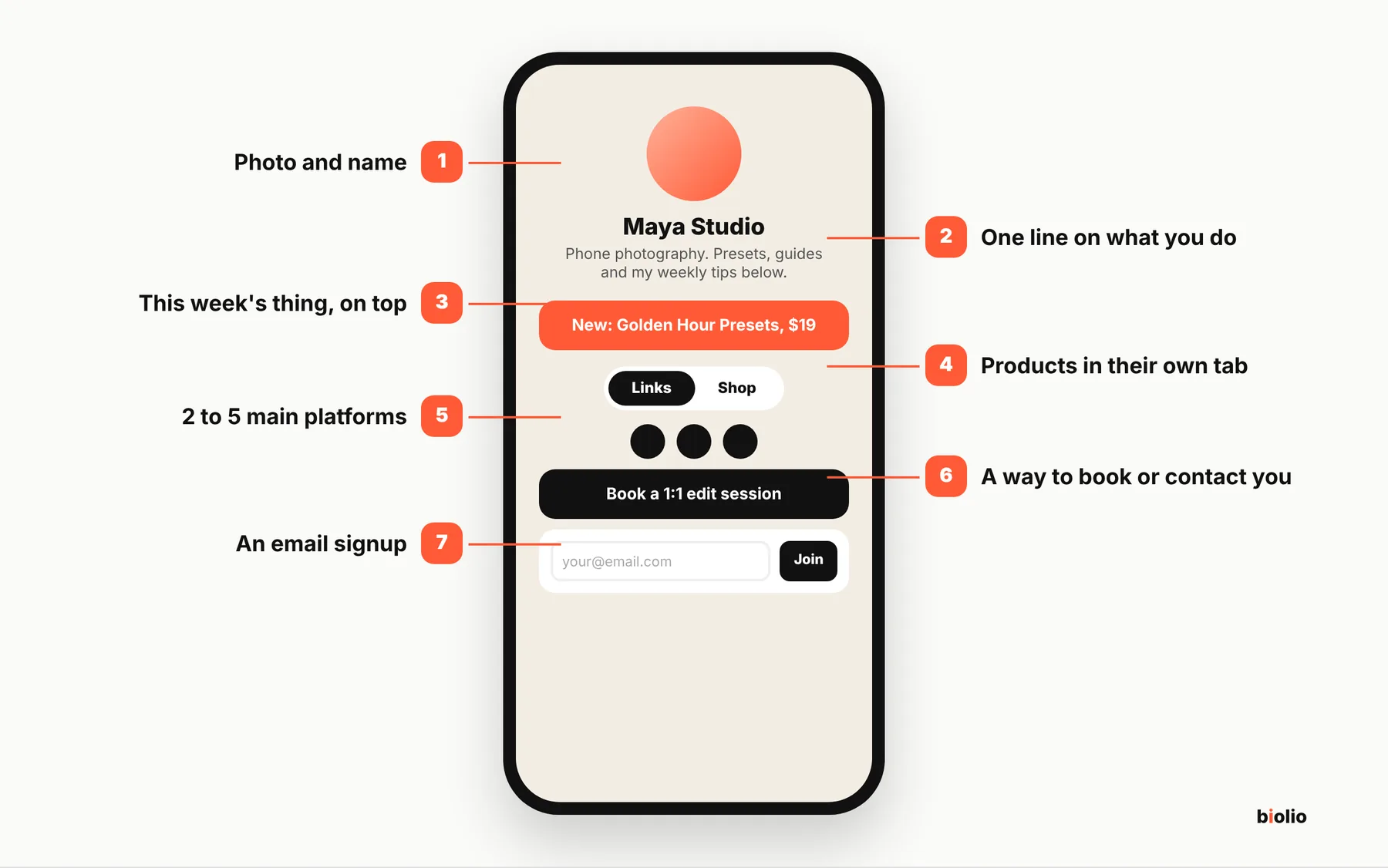
- A clear photo and your name. Use the same photo as your profile so people know they're in the right place.
- One line about what you do. "Yoga teacher. Classes, plans and my weekly newsletter below" beats a row of hashtags.
- What you're pushing right now, at the top. A new video, a launch, a sale. Change it when it changes.
- Your products, with prices. Keep them in their own section or tab so they don't sink under your links. If you're new to selling, see how to sell digital products from your Instagram bio.
- Your main platforms. YouTube, TikTok, a podcast: two to five, not every account you've ever opened.
- A way to book or contact you. A booking button for calls or sessions, or an email for brand deals.
- An email signup. For people who like you but aren't ready to buy or book.
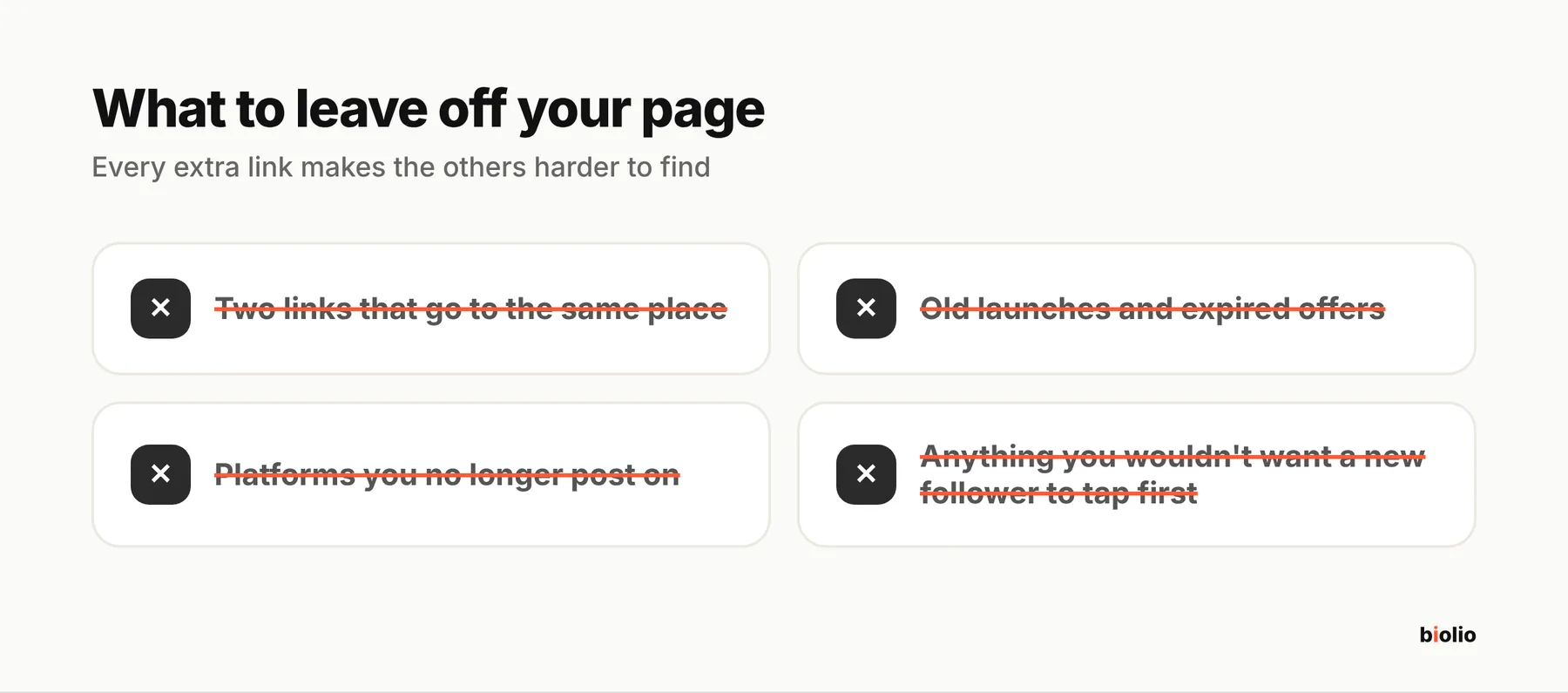
- Nothing else. Every extra link makes the others harder to find.
What to leave out
- Two links that go to the same place
- Old launches and expired offers
- Platforms you no longer post on
- Anything you wouldn't want a new follower to click first
Keep it fresh
Once a week, look at your clicks. Move what gets tapped to the top and remove what doesn't. A page that matches this week's posts works better than one set up a year ago.
Make it look like you
Use colors and a style that match your feed, so the page feels like part of your brand rather than a generic list of buttons. Check it on your phone, since that's where most visitors will see it.
Check what you'll pay before you sell
If your page will sell anything, look at what your link-in-bio tool takes from each sale. Some free plans take 9% to 12%; our link in bio fees comparison has the current numbers.